Manage Schedule
The Manage Schedule option for the agent allows users to alter the scheduled time and execution commands for the run later or recurring triggers.
Steps
Go to Integration, and then select Automation Agent.
In the Registered Agents section, click the Manage Schedule button to manage the schedule details of that particular Agent.

On the Manage Schedule screen, you can edit or delete an existing Schedule.
Edit Schedule: Click the Edit Schedule button to edit the schedule.
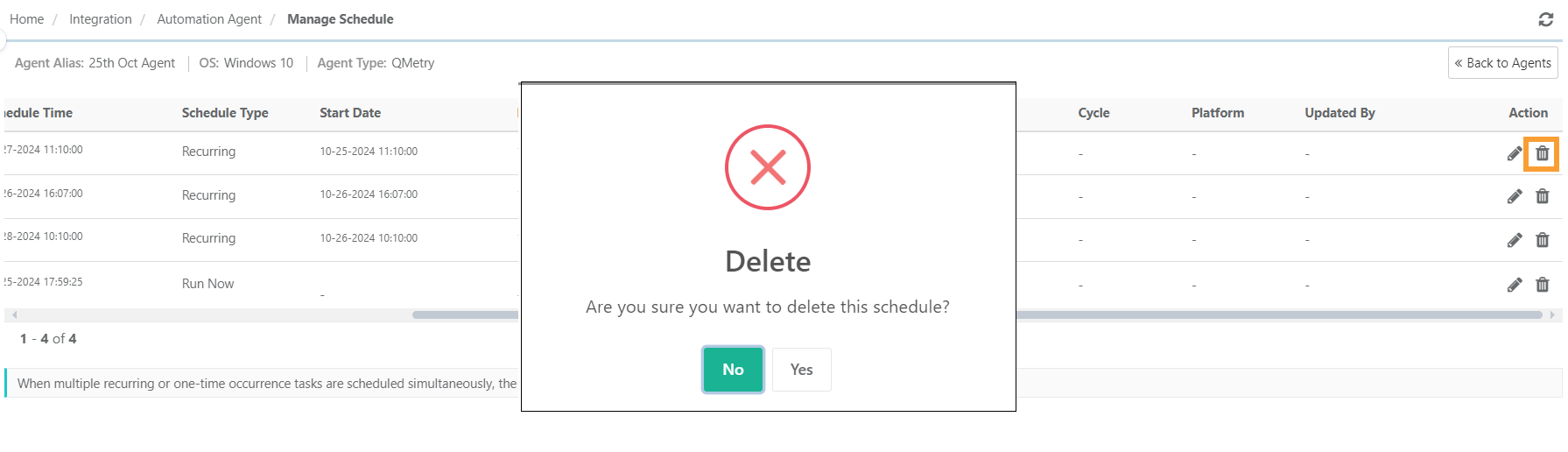
Delete Schedule: Click the Delete Schedule button to delete the schedule.

Edit Schedule
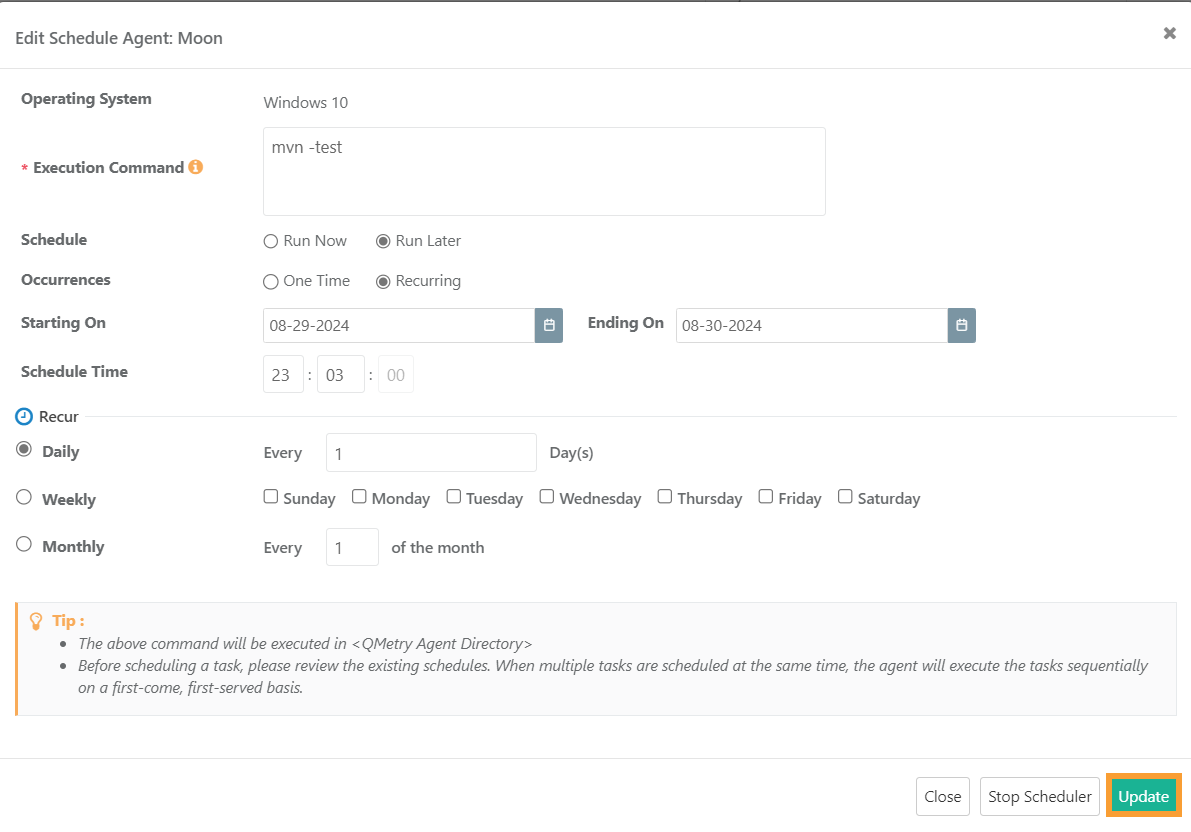
Click the Edit icon for the scheduled agent that you want to update.

The Edit Schedule Agent screen opens.
Make the required changes in the schedule of the agent.
Click Update.
Delete Schedule
 |
Go to Integration, and then select Automation Agent.
In the Registered Agents section, click the Manage Schedule icon.
Click the Delete icon to delete the schedule.