User Profile
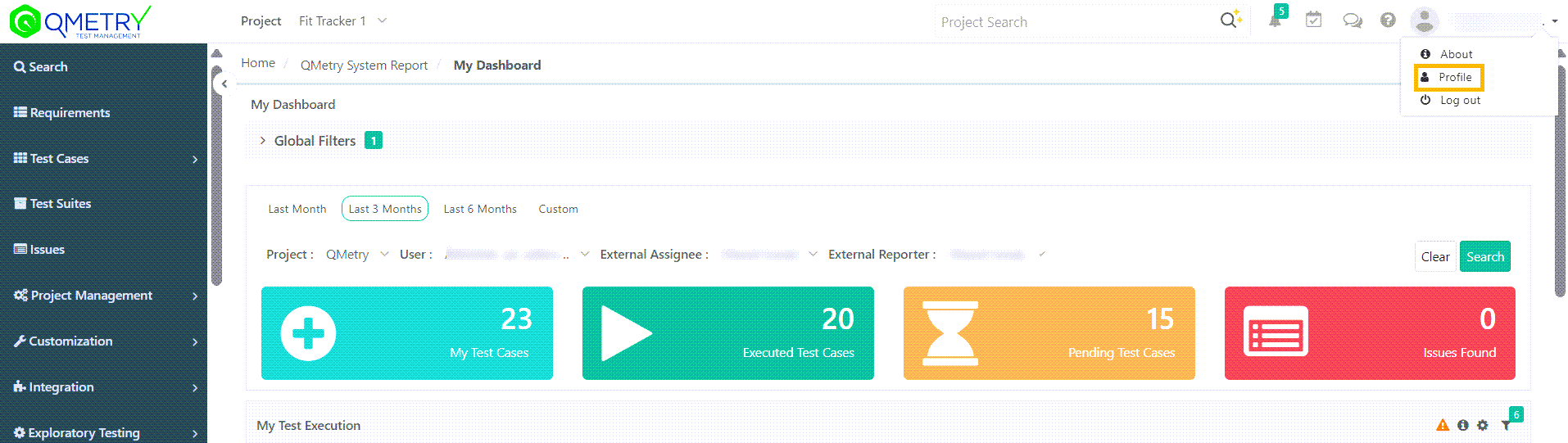
My Profile is available on the user drop-down menu at the top right corner.
A. User Details
The section at the top displays user details like Name, Email Id, Timezone, and Organization Code. Any changes in the user details reflects in the user details in the Manage Users section.
Change Password: To change the password of your QMetry instance, click Change Password.
B. Assigned Projects and Roles
The expandable QMetry projects section displays the list of projects the logged-in user has access over and their corresponding role in the project. It also shows whether the project is archived or not.