Custom Automation Templates
Note
Custom Automation Templates is available starting with version 8.27. If you are using an earlier version, upgrade to 8.27 or later to use this feature.
Custom Automation Templates enable teams to import automation execution results from XML report formats without writing custom import scripts.
Templates define how XML report elements map to QMetry entities such as Test Cases, Test Steps, Test Runs, Test Step Runs, and Test Suites.
During import, QMetry automatically creates or reuses these entities based on the automation result file.
Templates are managed at the instance level. They can be reused across multiple projects through the Automation API and integrations such as Jenkins, Bamboo, and Maven. This ensures a consistent automation import process across teams.
Note
QMetry already provides native support for standard JUnit, TestNG, Robot Framework, UFT, and Cucumber files. If you use one of these frameworks, you do not need to create a Custom Automation Template.
 |
Note
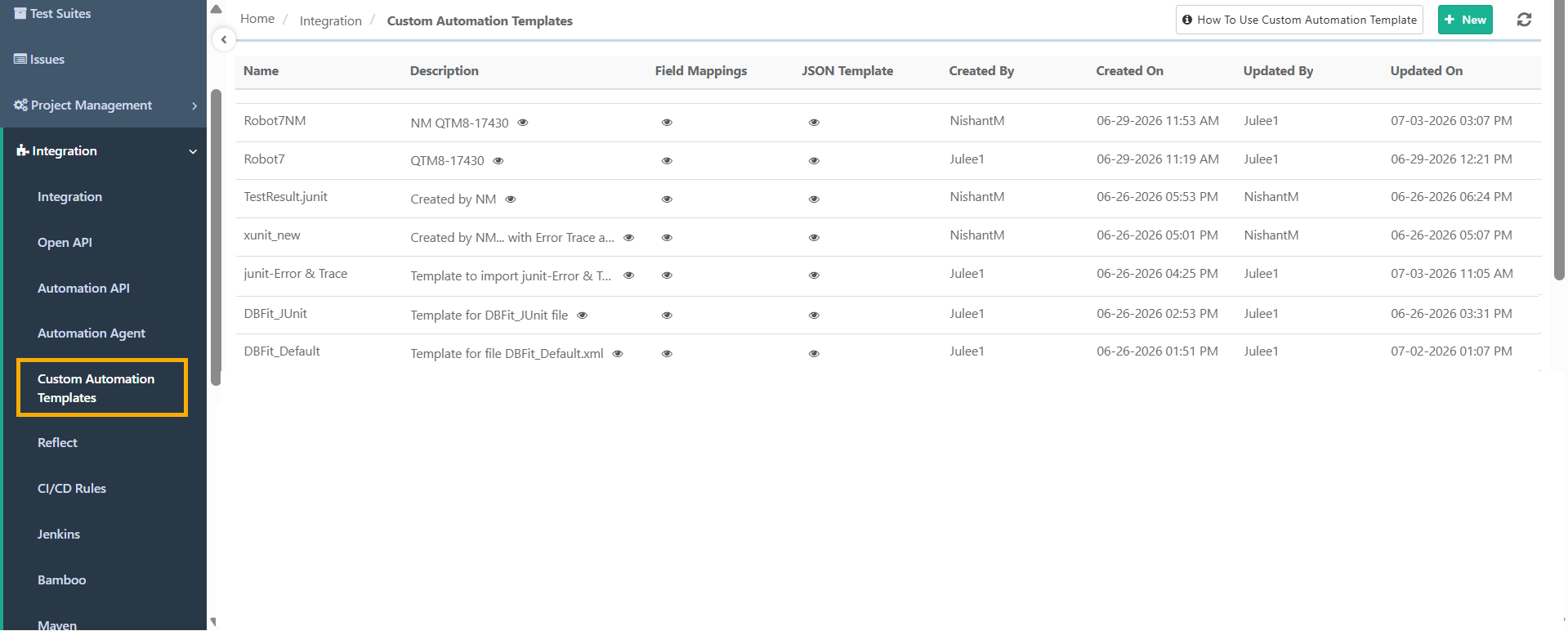
You can create and manage templates from the Custom Automation Templates tab under Integration.
QMetry stores each template as a JSON structure that you can view and edit in the interface.
You can define multiple custom import templates within the system, providing flexibility for various automation frameworks or test report formats.
To import automation results with a custom template, you need a valid Automation API key.
How Custom Automation Template Works
A template defines how QMetry imports automation results in three stages. The following table describes each stage.
Stage | Description |
|---|---|
Supported fields | QMetry displays fields that support automation imports. The custom import parser uses these fields to map data from the XML file during import. |
Map XML fields to QMetry fields | Map the relevant XML elements to QMetry fields. QMetry saves the mapping as a JSON template at the instance level. |
Apply the template during import | You specify the desired template by name when importing an XML test report. QMetry parses and imports the XML file according to the mapping. |
Permissions: Viewing and Managing Templates
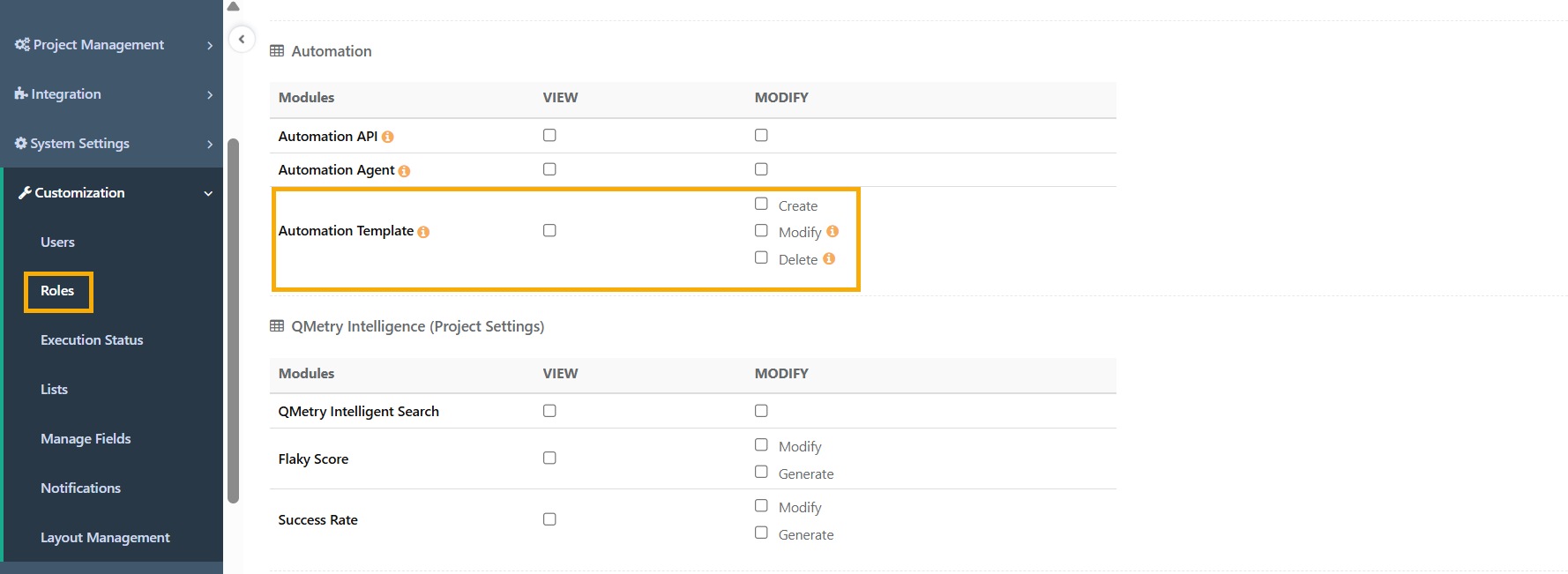
Access to templates depends on your permissions. The following table describes what each permission allows.
 |
Permission | What it allows |
|---|---|
View | View the list of templates including details like field mappings, JSON structure, creation information, and update history. Users with the Automation View permission automatically gets the Custom Automation Templates View permission and vice versa. |
Create | Create a new template. |
Modify | Edit an existing template. Please note: Modifications to a Custom Automation Template are applied globally at the instance level. As a result, all projects associated with the template are impacted. |
Delete | Delete a template from the list. Please note: Deleting a Custom Automation Template removes it at the instance level and affects all projects that use the template. |